
Description
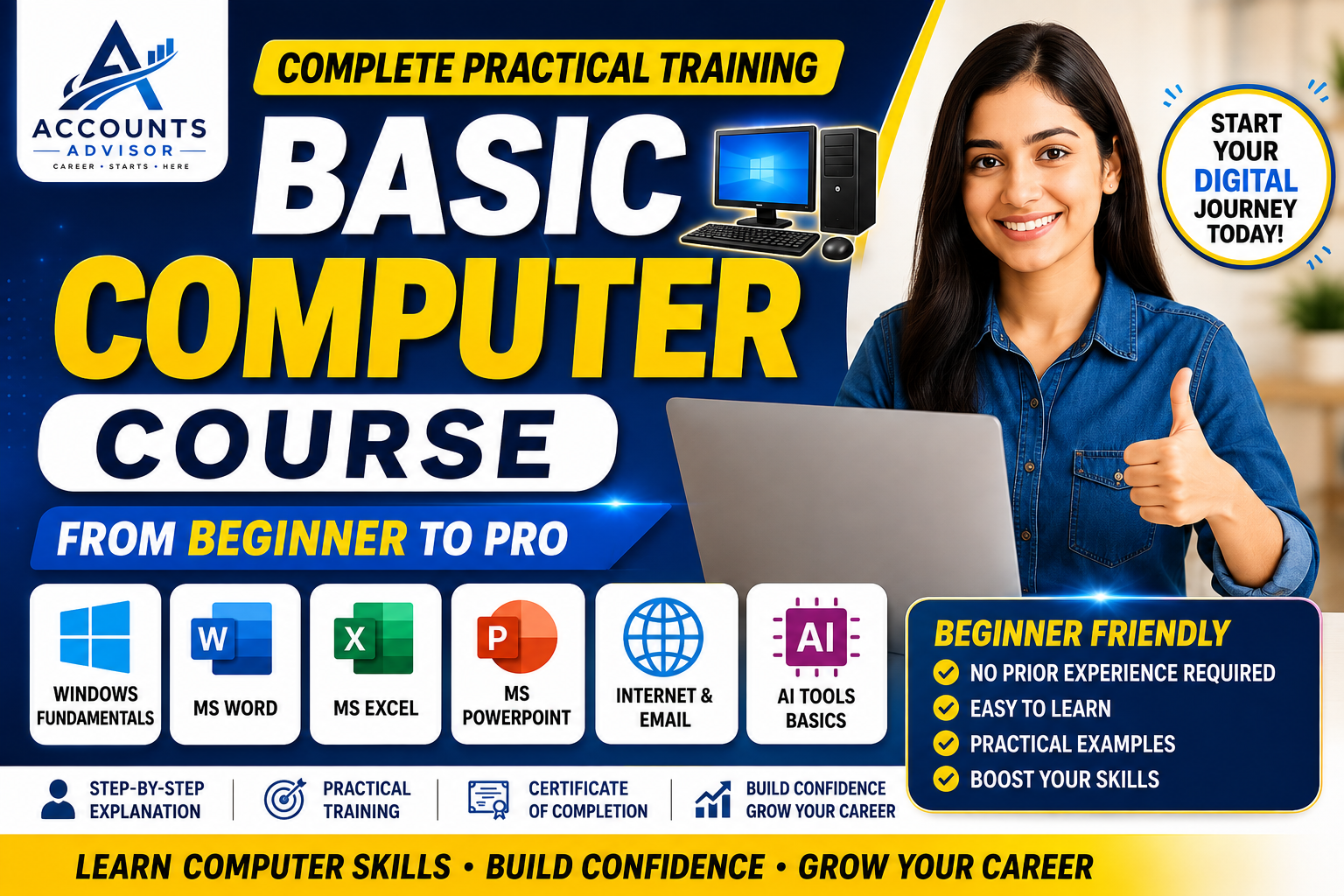
Basic Computer Course – Complete Practical Training from Beginner to Pro
Welcome to the Basic Computer Course by Accounts Advisor — a complete practical computer training program specially designed for beginners, students, job seekers, working professionals, business owners, and anyone who wants to confidently use a computer in their daily life and workplace.
This course starts from the absolute basics and gradually takes you toward practical and professional computer skills. No previous computer knowledge is required.
🎯 What You Will Learn
💻 1. Computer Fundamentals
- What is a computer?
- Types of computers
- Hardware and software
- Input and output devices
- CPU, RAM, ROM, storage and other components
- Understanding desktop and laptop computers
- Basic computer terminology
🖥️ 2. Windows & Operating System
- Understanding the Windows desktop
- Start Menu and Taskbar
- Creating and managing folders
- Copy, Cut, Paste and Delete
- File and folder management
- Installing and uninstalling applications
- Windows settings
- Basic troubleshooting
- Keyboard and mouse operations
- Useful Windows shortcuts
⌨️ 3. Keyboard & Typing Skills
- Understanding the keyboard
- Function keys and shortcut keys
- Basic typing practice
- Improving typing speed and accuracy
- Essential keyboard shortcuts for daily work
📝 4. Microsoft Word
Learn how to create professional documents using MS Word:
- Creating and saving documents
- Text formatting
- Fonts, paragraphs and alignment
- Bullets and numbering
- Tables
- Page setup
- Headers and footers
- Images and shapes
- Page numbers
- Find and Replace
- Printing and PDF creation
- Creating professional letters, applications and documents
📊 5. Microsoft Excel – Basics
- Understanding Excel interface
- Rows, columns and cells
- Data entry and editing
- Basic formatting
- Basic formulas
- SUM, AVERAGE, MIN and MAX
- Sorting and filtering
- Basic tables
- Basic practical calculations
- Creating simple reports
📽️ 6. Microsoft PowerPoint
- Creating presentations
- Adding and formatting text
- Images and shapes
- Designing slides
- Transitions and animations
- Creating professional presentations
- Running a slideshow
🌐 7. Internet & Web Browsing
- What is the Internet?
- Using web browsers
- Searching effectively on Google
- Downloading and uploading files
- Using websites safely
- Understanding URLs and web pages
- Online forms and services
📧 8. Email Skills
- Creating and using an email account
- Sending and receiving emails
- Attachments
- CC and BCC
- Email etiquette
- Downloading email attachments
- Organizing emails
☁️ 9. Digital & Online Skills
- Online file sharing
- Cloud storage basics
- Google Drive basics
- Online document sharing
- Digital communication
- Basic online safety
🤖 10. Introduction to AI Tools
Learn the basics of modern AI tools and how they can help you:
- Understand Artificial Intelligence
- Using AI for everyday tasks
- Writing and improving content
- Learning with AI
- Basic AI productivity techniques
- Using AI responsibly
🛡️ 11. Computer Safety & Security
- Creating strong passwords
- Understanding phishing
- Safe Internet browsing
- Identifying suspicious emails and links
- Protecting personal information
- Basic computer security practices
🧑💼 12. Practical Computer Training
This is not just a theory course. You will learn through step-by-step practical examples and exercises so that you can actually use your computer confidently.
You will practice tasks such as:
- Creating documents
- Managing files and folders
- Preparing Excel sheets
- Creating presentations
- Sending professional emails
- Browsing the Internet
- Downloading and uploading documents
- Using useful keyboard shortcuts
- Working with everyday digital tools
👨🎓 Who Should Join This Course?
This course is suitable for:
- Students
- Beginners
- Job seekers
- Office employees
- Business owners
- Housewives
- Senior learners
- Freshers
- Anyone who wants to learn computers from scratch
No prior computer knowledge is required.
🎓 Course Benefits
After completing this course, you will be able to:
✅ Use a computer confidently
✅ Manage files and folders
✅ Create professional documents
✅ Perform basic Excel calculations
✅ Create PowerPoint presentations
✅ Use the Internet effectively
✅ Send and manage emails
✅ Work with common digital tools
✅ Use essential keyboard shortcuts
✅ Understand basic computer security
✅ Get started with modern AI tools
🚀 Start Your Computer Learning Journey Today!
Whether you are completely new to computers or want to improve your basic digital skills, this course will give you a strong foundation for your education, career, office work, and everyday digital activities.
Learn Computer Skills. Build Confidence. Improve Your Career.
Basic Computer Course – Complete Computer Training for Beginners
Member Reviews
What our members are saying about this course
No testimonials yet.